Rumor Mill: LG G3, Galaxy S5, Xperia Z2 and Huawei Ascend Sx


The rumor mill one again overheated over the weekend, so we thought we'd give you a bit of a roundup of what's been flying around. As always, don't take any of this as fact, but we know you guys love rumors and whisperings, so here's what's been floating around in anticipation of Mobile World Congress (MWC) in Barcelona next month.  

geruechtekueche teaser© AndroidPIT

Slowly a pattern has emerged in all of the leaks we've seen of the technical data on the Galaxy S5 thus far. It seems increasingly clear that the next Samsung flagship will indeed have a 2K qHD display (2,560 x 1,440 pixels) – we think this one is pretty much certain. At one point there were tall tales of a monster 4,000 mAh battery but now a more likely size of 2,900 mAh is being heard more and more. Alongside this latest battery figure is a new one for the camera as well: this one stating the S5 will pack a 20 MP shooter (everything else we've heard points to a 16 MP camera with ISOCELL). As if that wasn't enough, the same source – reportedly from within Samsung – has also ''confirmed'' the iris scanner but laid to waste the possibility of a metal case.


Our verdict: The source is, as usual, dubious. Add to this the fact that the same website posted another article three hours later claiming the iris scanner has been shelved... Let's suffice to say the S5 will have a camera and a battery and a case made of one material or another. Or both. That's about all we can confirm right now.

galaxy s345Samsung Galaxy S3...S4...S5? Maybe. But what'll it be made of? © Samsung, AndroidPIT

Some call it a successor. Others, a new edition or rehash (which is why the name could be wrong). In any case, there are now images which suggest more of the latter. The technical data of the Xperia Z2 are so far purely speculative, with no reliable sources. Only the increased display size can be heard more frequently than the other one-offs. But that is not too bold a theory, especially for a smartphone that is known for having an absurdly large frame. Will the Z2, or whatever it's going to be called, be presented to the world at MWC?


Our verdict: On this one we're going for a new edition of the Z1. If one compares the current Z1 and this new device you can only find minimal differences in design. That doesn't seem to justify enough a departure for an entirely new device.

sony, xperia, z2, xperia z2

The successor to the LG G2 is scheduled for May, according to a Korean media report. If this is true, this LG would be closer in launch date (and thus, direct competition) to Samsung and LG's other competition than last time. As with the competition, the G3 is intended to come with 2K qHD display. However, the diagonal will probably grow to 5.5 inches. How far this will affect the overall size of the G3, is unclear, but the G2 managed to pack 5.2-inches in a relatively small chassis.


Our verdict: The date sounds realistic, because LG wants and needs to enter into direct competition with Samsung. This would require a similar market entry for new devices. If anyone can do an even bigger display in a housing that doesn't reach phablet scale, it would be LG, as we have already learned from the slimmed down chassis of the G2.

lg g3The LG G3 is unlikely to be made of water. This much we're sure of. / © LG

Perhaps the most exciting rumors flying around right now are those about a new series at Huawei. With the Sx, the first edition of the S series, the Chinese manufacturer apparently wants to perfectly align design with performance to match. Being considered for the MWC, the Sx will reportedly house a 64-bit chip, an octa-core processor, three gigabytes of RAM, a camera with 16 megapixels, a battery with 3,050 mAh and, of course, a display with soon-to-be-standard 2,560 x 1,440 pixel resolution.


Our verdict: That Huawei can build powerful smart phones, we already know. The work on the octa-core 64-bit processor is officially confirmed and the Ascend P6 appeared far enough back to warrant a new model, especially a high-end model. None of the data seems unrealistic, and Weibo is a frequently-cited Chinese source. As such, we have no reason to disbelieve this as entirely plausible.

rueckseite mitte logoThe Ascend series was widely regarded as a design success, if a little Apple-ish. / © AndroidPIT

Do you believe any or all of these rumors? What's the best rumor you've heard about a smartphone?


Via: Phone Arena Source: Asiae, Weibo, XDA Developers

? Previous
? Next Android 4.4 KitKat update: when will your device get it? Android 4.4.2 on the Samsung Galaxy S4: new features How to resolve problems caused by Android 4.3 on the Galaxy S3

5 more tips to fix Android 4.3 problems on Galaxy S3


Last week we shared a list of fixes for various problems encountered by Galaxy S3 owners after the notoriously ill-fated Android 4.3 update from Samsung. We thought we'd delve a little deeper into more of the issues in that update and share some more tips for other problems our readers have experienced.

androidpit samsung galaxy s3 software downgradeBanish all those Android 4.3 update problems on your S3! / © AndroidPIT

A simple fix for this problem is simply to change the lock screen effect from Ripple to None and reboot (Settings > My Device > Lock Screen > Unlock Effect > None). If this doesn't solve the problem for you, you can install an app called Trickster MOD Kernel Settings if you are rooted and have BusyBox installed. Just grant Superuser permissions and switch to the Specific menu and turn off ZRAM when prompted to. You'll need to repeat the process every time you reboot, but the sleep lag issue will vanish.

AndroidPIT S3 Ripple EffectSimpl turning off the Ripple effect on the lock screen can solve the sleep lag issue. / © AndroidPIT

If, since the Android 4.3 update, you've been been getting recurrent download notifications for things you downloaded already and that keep reappearing even after you've cleared them you can solve the problem quickly and painlessly by clearing the cache of your Downloads Manager. Just go to Settings > 'More' tab > Application Manager > 'All' tab > Download Manager > Clear Cache.

AndroidPIT S3 Download ManagerIf you're getting persistent download notifications for old downloads, just clear the cache./ © AndroidPIT

If your Galaxy S3 is having serious Wi-Fi connectivity issues, the easiest way to fix it is reflash the last workable modem firmware for your specific country through Odin. You can grab this via SamMobile's firmware page. You may also need to replace your kernel, but this is dependent on several factors. If you are comfortable flashing firmware manually and your S3 is rooted, read up on the successful solution in this XDA Developer's thread. You'll be able to get answers to any questions you may have about the process there too (as I haven't tried the process).

no wifiFixing poor Wi-Fi connectivity on the S3 is a little trickier, but still easy enough. / © AndroidPIT

This was a pain in the butt issue that had a lot of people upset when it first emerged. It's a relatively simple, if peculiar, fix. Just go into Application Manager and scroll down to Paper Artist and ensure it has been turned off. The path for this is Settings > 'More' tab > Application Manager > 'All' tab.

AndroidPIT S3 Paper ArtistIf your Gallery crashes every time you try to share a photo, just turn off Paper Artist. / © AndroidPIT

If our solution to fix the battery drain issue didn't work for you, you can also try a battery pull for thirty seconds – believe it or not this has solved all manner of minor problems, including sleep lag and battery drain. If you need to take it a step further, try installing an app called Battery Calibration and recalibrating your battery (root required). If that still doesn't work try a factory reset (make sure you backup all your data first) – again, a factory reset after the update has cleared up several of the issues for many readers.

BatteryNexus5There's a variety of ways to solve the S3 battery drain issue. / © AndroidPIT

Source: Anindya Mukherjee (YouTube)

? Next Android 4.4 KitKat update: when will your device get it? Android 4.4.2 on the Samsung Galaxy S4: new features How to resolve problems caused by Android 4.3 on the Galaxy S3

How to fix a phone that won't charge properly


Some of you may have suffered from this problem and rushed out to buy a new charger when the solution was at hand with only a tiny bit of effort and only a little bit more know how. This has been one of our longest running forum topics, appearing over a year ago in answer to the problem that the Galaxy Nexus wouldn't charge. One of our industrious readers, Marchino, shared the first fix and has had pages of thanks dedicated to him ever since. Here's five tips to fix a phone that won't charge.

micro usb kabelMost charging problems are related to your USB cable or charger, or even the port itself. / © AndroidPIT

Either your phone won't charge at all when it is plugged in, or the connection drops out or only charges very slowly, sometimes only just faster than your device's battery is discharging. This is actually a very common complaint, and one I suffered from with a device myself. There's a few things that could've gone wrong.


The quickest and easiest, and often most successful, solution is simply to do a little DIY repair on your actual hardware. The problem is quite often that the metallic surface inside the USB port and the microUSB charger are not making good contact, either through a manufacturing defect or because of the continual plugging and unplugging of the charging cable. All you need to do is shut down your device, remove the battery if possible and use something small, like a toothpick, to 'lever up' the little tab inside the USB port on your smartphone or tablet. Do so very carefully and gently, then reinsert your battery and plug it in again. Nine times out of ten this is all that is required.

Micro USBCheck the 'tab' inside your device's USB port - the cable may not be making contact properly. / © Samsung, AndroidPIT

The flimsiest part of a charger is of course the cable, not the adapter that plugs into the wall socket. So if your device is having charging issues and the previous solution hasn't helped, you might have a faulty cable. Before you rush out to buy a replacement, just grab a spare USB cable from another device and try it instead. Quite often the cable will fray inside because it is constantly being curled up, stood on or whatever. Rather than buy a complete new charger you may only need a new cable. Likewise, if the cable doesn't seem to be the problem, check the wall plug adapter, that may be the issue instead. Also, check the same charger/cable combination on a different device and see if it works normally. iPhone users have their work cut out for them with the incredibly flimsy Lightning Port charger.

usb otg cableYou may only need to replace the USB cable, not the whole charger. / © fnac.com

Sometimes the reason a device is not charging correctly is because there is something lodged in the port, or there is just a lot of debris blocking the connection. Pocket lint, dirt and other minute rubbish can get into all sorts of nooks and crannies on a smartphone, so take a look to make sure there isn't something lodged inside the microUSB port (or in the charging cable either). Of course, also make sure to never charge your phone near water or in excessively hot or humid conditions. Also, do not overcharge your device, charging overnight when your battery only needs 2-3 hours is a very bad idea and can lead to a battery exploding or damaging your phone.

s4 esplosoDodgy manufacture, excessive charging, debris and a bad environment can cause problems. / © Sammy Hub

If your device is old, or seems to be acting very strangely where the battery is concerned, you might have a defective battery. If your Android has a removable case, take the battery cover off and ensure the battery isn't bulging or otherwise deformed or leaking. If it is, remove it immediately and clean the area carefully to avoid corrosion. If your cover is non-removable, you can lay the phone on the table and try spinning it, if the battery is bulging it will spin (this could just be the design of the phone though too, so don't be alarmed). Replace the battery with a manufacturer original or respected third party power source. A new battery should last at lest two years before it needs to be replaced, although this depends on the number of charge and discharge cycles. If this seems necessary too soon, check your warranty, you may be eligible for a free replacement.

batt2Manufacturer batteries or reliable third-party batteries are a safe bet. / © Android Central

Charging from a wall socket is always going to charge faster than via PC or laptop. Likewise, the voltage is different, with a wall socket putting out potentially double the power of a laptop or computer. Of course, if you're using a different charger cable and adapter than the one the phone came with, it might also be the case that your charger is not sufficiently powerful for your device. For example, if you're using a charger that came with a Bluetooth headset it may simply not have the guts to be able to charge your phone. There might also be a problem with your wall socket, but that is much less likely. To charge faster, switch on airplane mode or turn your phone off.

LV1A0076Your desktop or laptop can't charge your Android as fast as a wall socket./ © AndroidPIT

If all else fails, just double check that you actually have the power point switched on. That is the first thing they will ask you if you call your manufacturer for help, which might need to be your next step if none of these solutions have worked for you.


Have you suffered from a smartphone that won't charge? Was was the culprit and how did you fix it?

? Previous
? Next Android 4.4 KitKat update: when will your device get it? Android 4.4.2 on the Samsung Galaxy S4: new features How to resolve problems caused by Android 4.3 on the Galaxy S3

Top 5 Forum threads: smartphone woes, RAM & Calendar app talks


The week has come and gone and our forum has been a bountiful cornucopia of Android knowledge, both from our sides (Admin and Mods) and that of the readers, who never fail to impress with their smartphone and tablet smarts.

top5 forum© AndroidPIT

Are you having trouble getting notifications when you receive an email? IT could be that your device isn’t syncing properly, especially if you have more than one account. What should you do! Thankfully, our forum has tons of people who are knowledgeable to answer all noobie questions, and even advanced ones as well. Read on if you have the same problem by clicking on the header.

Gmail teaser © Google/AndroidPIT

Smartphones are great ways to keep organized and calendar apps are great for keeping updated with your appointments while on the go. The best is getting notifications before events or reminders, giving your memory a rest for a change! Which calendar app do you use? There are quite a few suggested in this thread and perhaps you know one to beat them all.

calendar 1© stock.xchng

Installing apps is always giving people problems and even if Google Play Store is the main app installs experts in this business, this doesn’t mean they’re any better. That being said, it’s still better to install from there than from an unknown source to order to avoid problems like bugs, update errors and more.

androidpit google play store teaser © AndroidPIT

This problem doesn’t just apply to the Note 8.0 but any smartphone, so pay attention. Sometimes your phone does some silly things and you just don’t know why. Try asking about it in our forum and our mods and other skilled users will be able to help you out. Particularly in the case of the Note 8.0, they were able to help him out!

LV1A2835 © AndroidPIT

Silly question? Not in our forum it isn’t. RAM is an important question nowadays since smartphones are slowly starting to get more, especially in the higher end phones and tablets, like the Note 3. So, this valid question does raise a good point, how much RAM does a smartphone really need?

8gb lpddr4 360x264 © SamMobile
? Previous
? Next Android 4.4 KitKat update: when will your device get it? Android 4.4.2 on the Samsung Galaxy S4: new features How to resolve problems caused by Android 4.3 on the Galaxy S3

Sony Sirius: images of the newest Xperia model


Sony is poised to unveil its latest addition to the Xperia line of devices at the Mobile World Congress 2014 in February. Whether this latest device is expected to either be a remake of the Xperia Z1 or whether it will be brand new model introduced is still yet to be determined. There are, however, some new screenshots that showcase some of the new UI on the latest device.

sony xperia z1 sirius 02The Sony Xperia Z1 and Sirius side-by-side. / © Xperia Blog

The device, which is codenamed the Sony Sirius, comes with a 5.2-inch display, a Snapdragon 805 processor and three gigabytes of memory. The operating system will be based on Android 4.4.2 KitKat and brings with it design and functionality changes based on the Sony Timescape user interface.

sony xperia sirius oberflaeche screenshot 01Sony's new Xperia model comes with KitKat 4.4.2. / © Xperia Blog Video recording in 4K.Timeshift Videos : Videos can be supposedly captured at 120 frames per second and then be slowed down seamlessly.Glove mode.Adjustable white balance.Intelligent control of the backlight, similar to Samsung's Smart Stay : The display remains active as long as the user looks at it.Knock-On to unlock the screen.Mailbox or answering machine in the dialer app.Users have the choice between the regular launcher and a simplified version with a large font.Support for diverse audio accessories: Apparently, users can store settings for different headsets and headphones.Support for USB Digital-to-analog converter.Options to adjust the notification bar.Default SMS app can be set.Options for printing.By wiping the bottom of the screen can be used to start a Sony App that works similar to Google Now and integrates Sony's media services.White icons and transparency in the status bar.All recently used applications can be closed at oncesony xperia sirius oberflaeche screenshot 02Transparent status bar and white icons: Sony's new Timescape UI. / © Xperia Blog

So, what do you think? Is the Sony Sirius a brand new device in the Xperia line or does it look to be a remake of the Z1?

Sony Sirius

Via: Android Authority Source: Xperia Blog

? Previous
? Next Android 4.4 KitKat update: when will your device get it? Android 4.4.2 on the Samsung Galaxy S4: new features How to resolve problems caused by Android 4.3 on the Galaxy S3

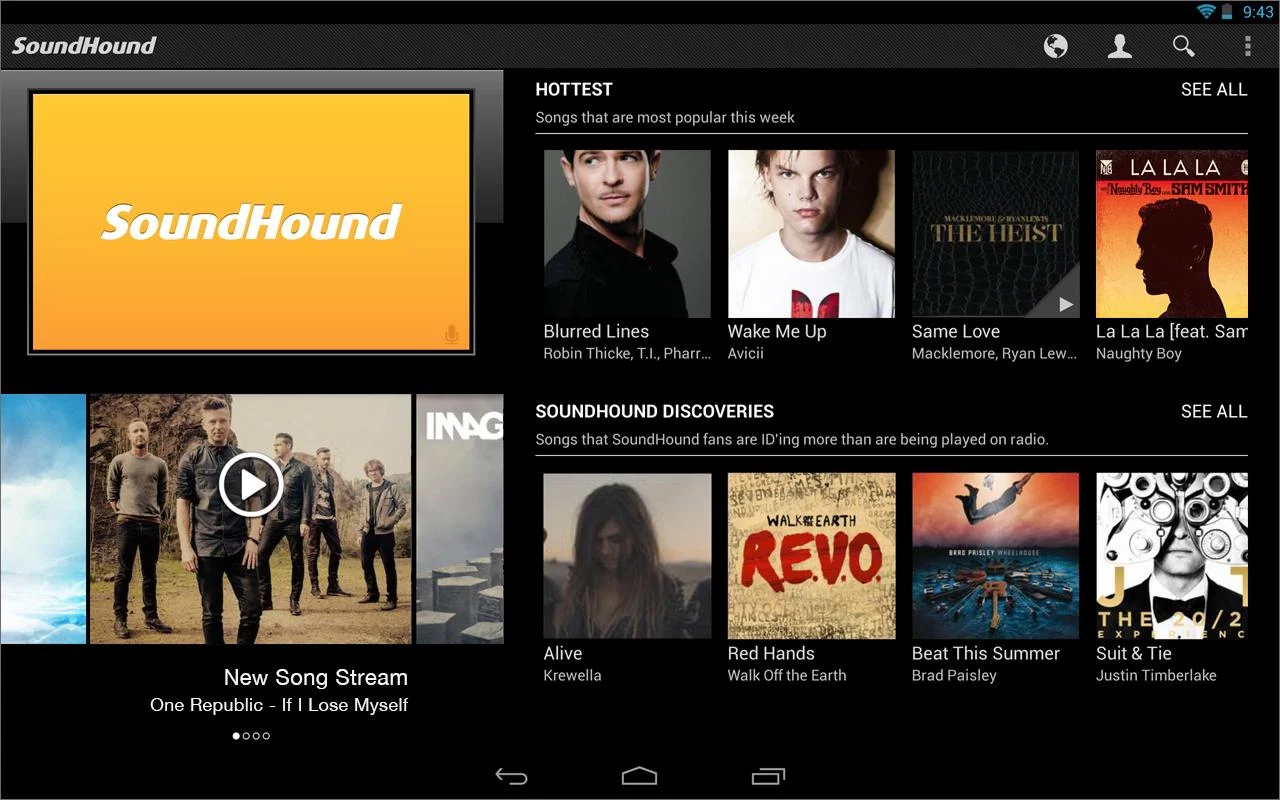
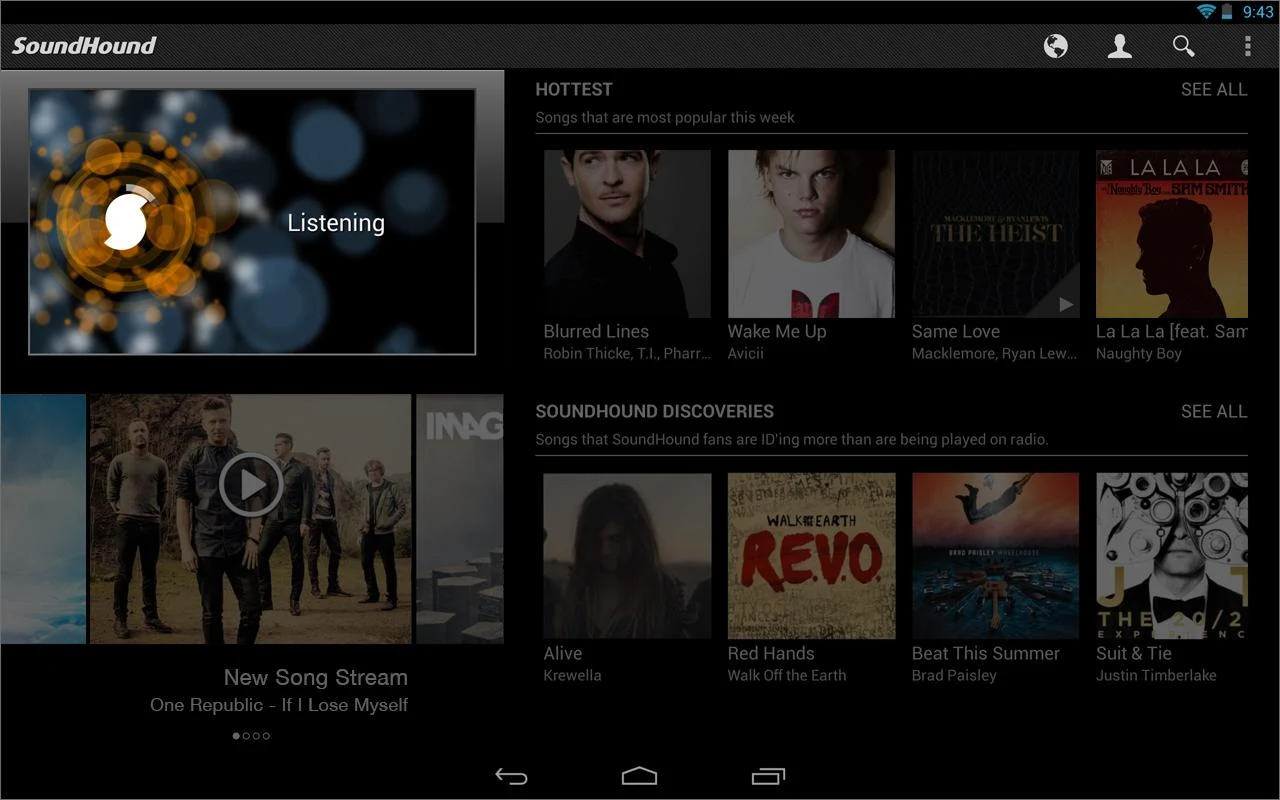
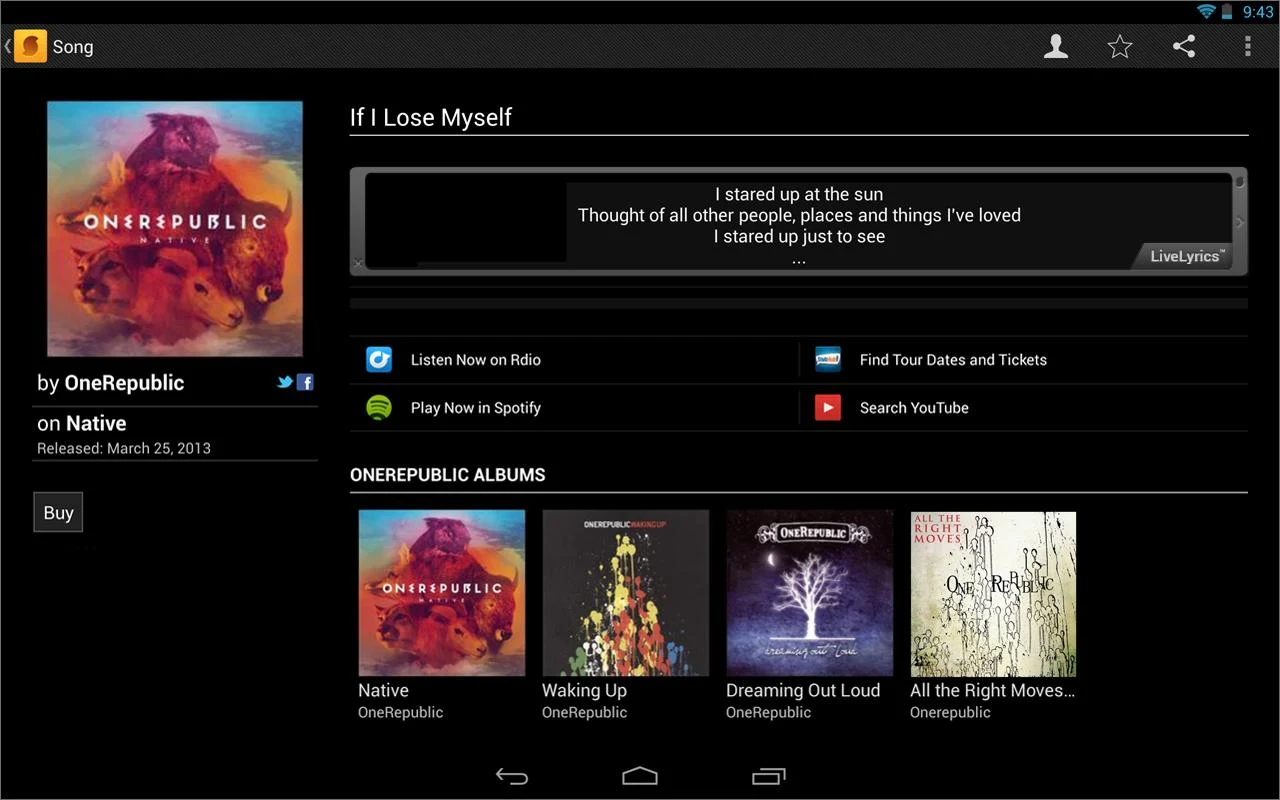
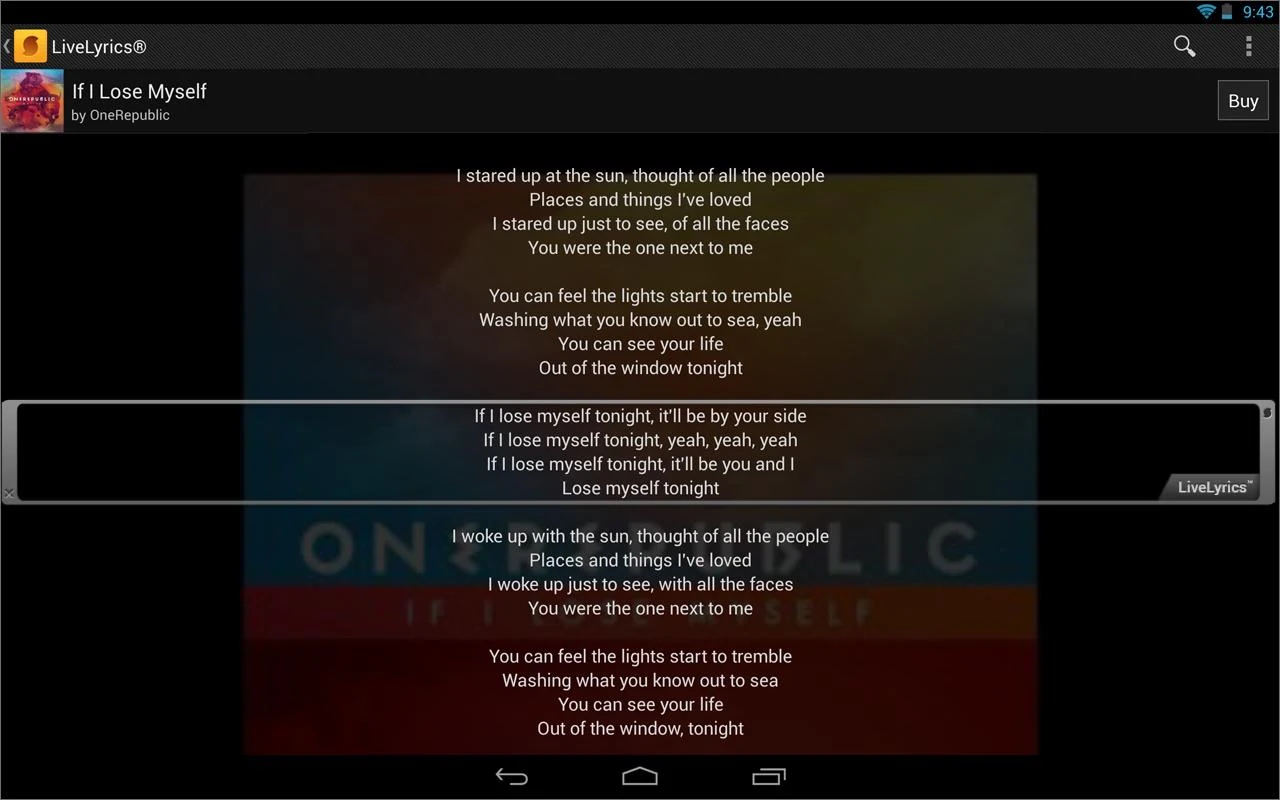
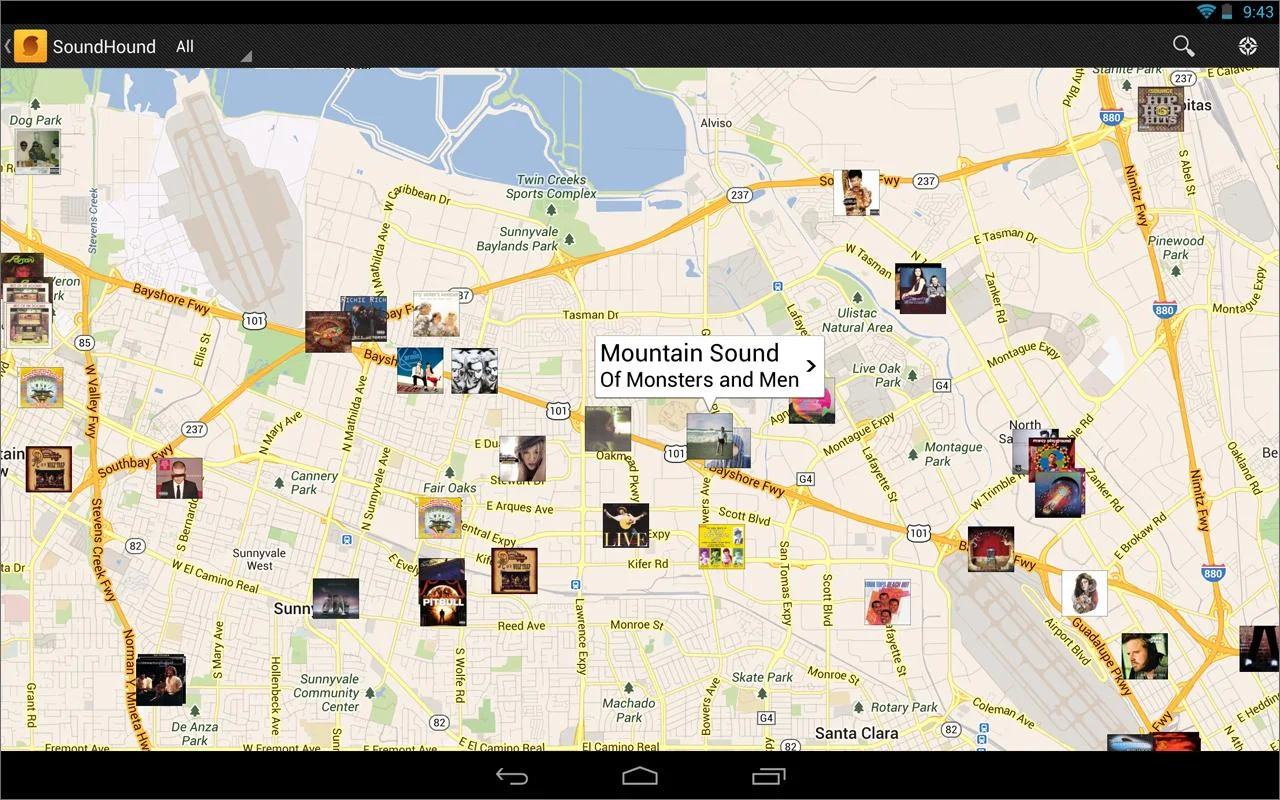
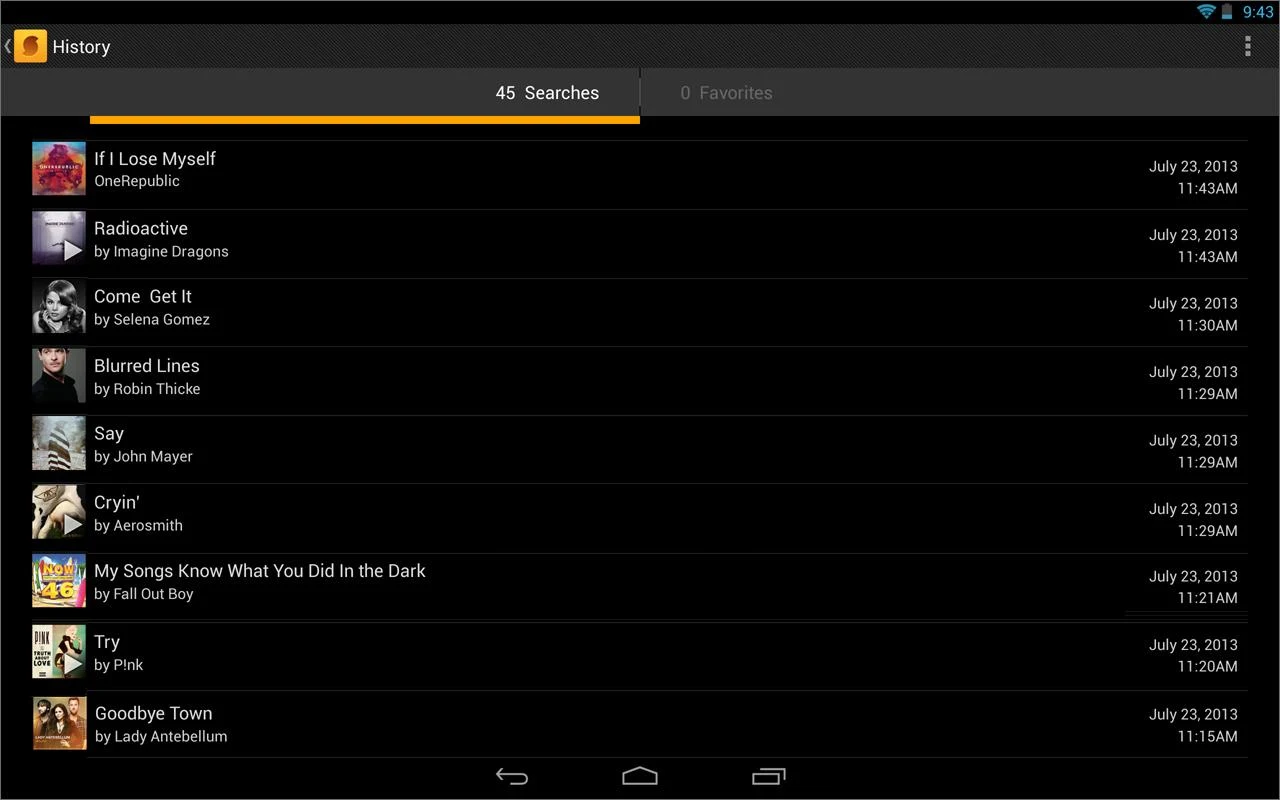
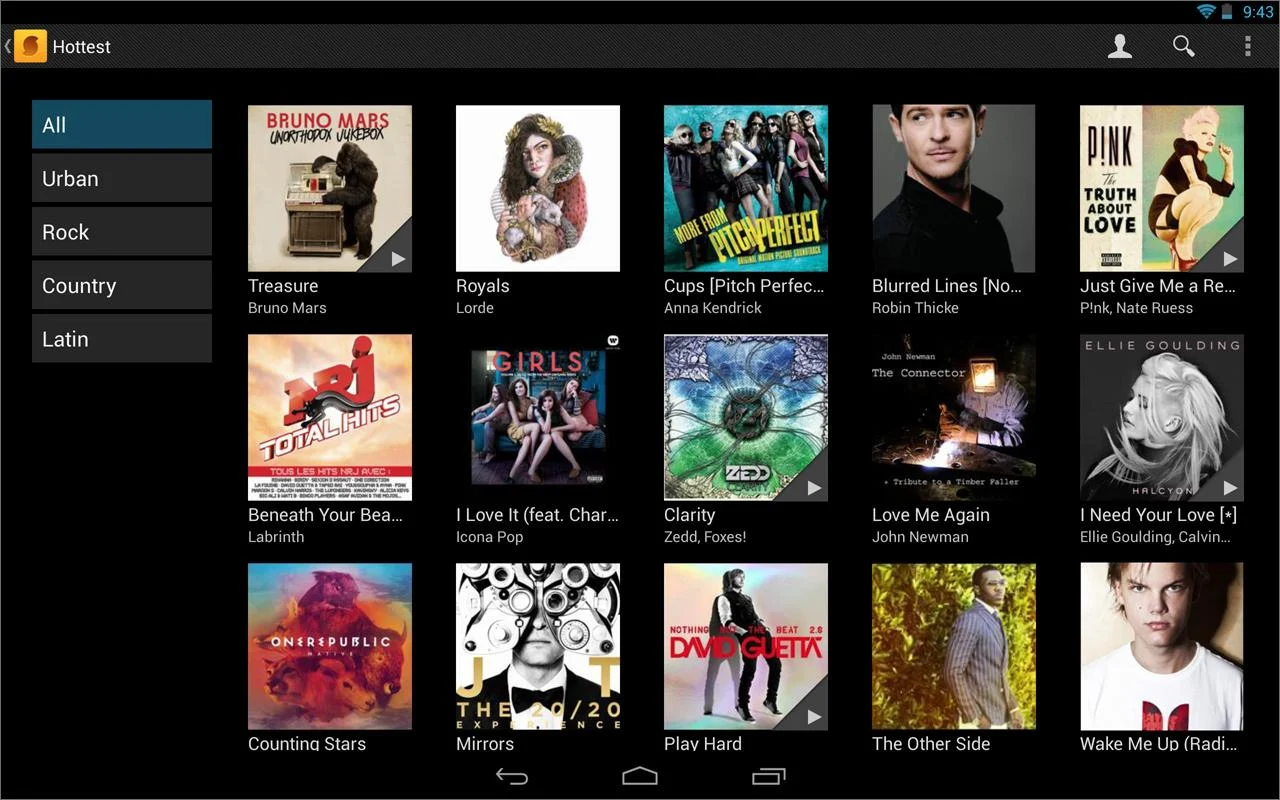
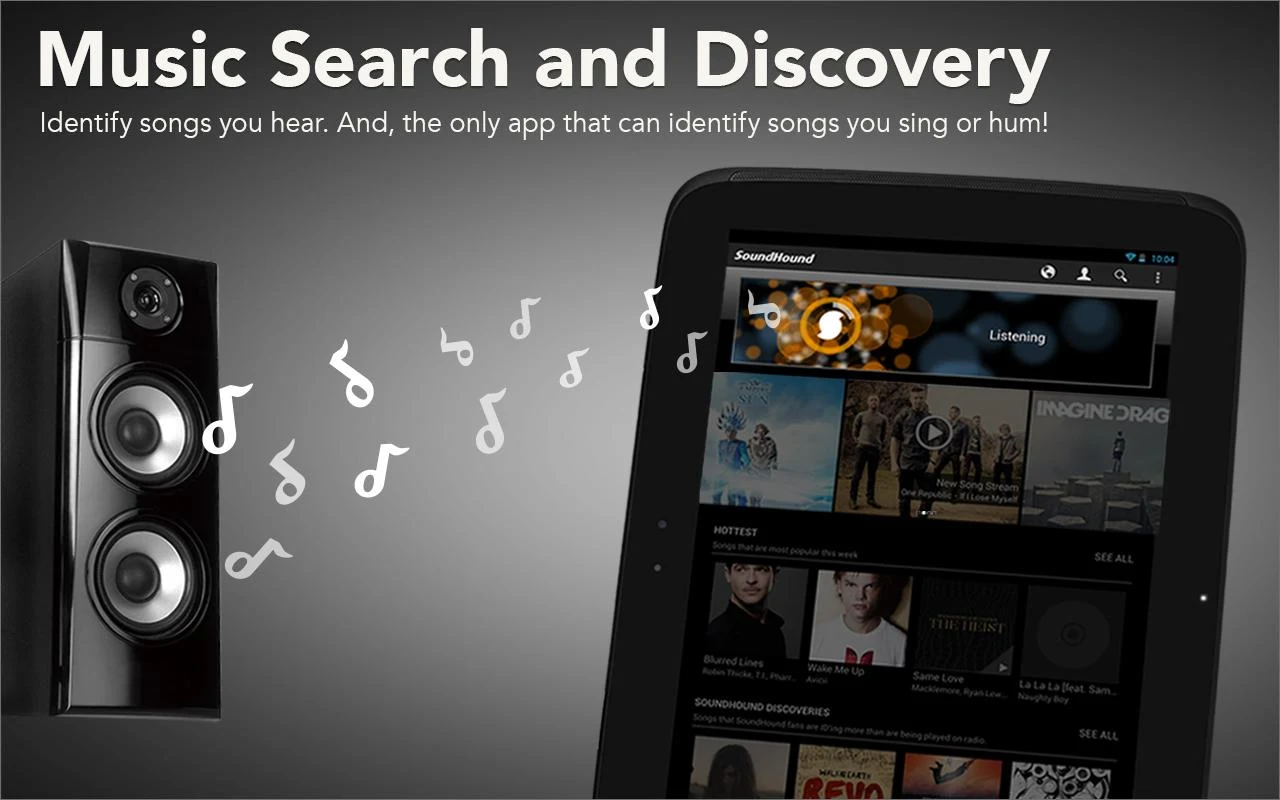
SoundHound ∞ v5.8.0 for Zigo Phones

SoundHound includes:

♪ The world's fastest music recognition: name tunes playing from a speaker in as little as four seconds.
♪ The world's only viable singing and humming recognition
♪ Song Previews
♪ Lyrics
♪ LiveLyrics (in the U.S. and Canada): see Lyrics in time with the music for music recognition!
♪ Music Videos
♪ Share to Facebook and Twitter instantly
♪ Home screen widget allows you to identify music without launching the app
♪ Geo-tagging, buy links, and more...

What's in this version : (Updated : Jan 22, 2014)
Fixed a few pesky bugs

Required Android O/S : 1.6+

Screen Shots:>

SoundHound ∞ - screenshot


Download :>

https://play.google.com/store/apps/details?id=com.melodis.midomiMusicIdentifier 

 
Zigo Mobiles Android © 2012 | Designed by Cheap TVS, in collaboration with Vegan Breakfast, Royalty Free Images and Live Cricket Score